A listing has a session
Keep listed_exchange, currency_code and current_session alongside lp. Add company data through its dedicated endpoint.
Data & availabilityBring current market quotes into your application. Request a single symbol or a batch of up to 10.
Inspect the latest price, available bid and ask, volume, and session context in a structured JSON response.
Continue to our shared account console.
# Proposed base URL; pending endpoint validation
export NAVQUOTE_API_BASE="https://api.navquote.com"
# Set API_KEY in your server-side environment.
curl --fail-with-body "$NAVQUOTE_API_BASE/api/quote/NASDAQ:AAPL" \
  -H "Authorization: Bearer $API_KEY"
import os
import requests
response = requests.get(
os.environ["NAVQUOTE_API_BASE"] + "/api/quote/NASDAQ:AAPL",
headers={"Authorization": f"Bearer {os.environ['API_KEY']}"},
timeout=30,
)
response.raise_for_status()
result = response.json()
if not result.get("success"):
raise RuntimeError("Quote request failed")
print(result["data"]["data"]["lp"]){
"success": true,
"data": {
"symbol": "NASDAQ:AAPL",
"data": {
"lp": 273.05,
"lp_time": 1776729598,
"currency_code": "USD"
}
}
}Keep listed_exchange, currency_code and current_session alongside lp. Add company data through its dedicated endpoint.
Data & availabilityInspect available bid and ask fields with the pair’s source identifier and lp_time. Missing quotes should remain missing.
Data & availabilityKeep the full venue-qualified symbol. Check the pair, instrument type and volume units before comparing prices.
Data & availabilityUse query parameters for a single quote and JSON properties for a batch. The default session is regular and the default field set is all.
On smaller screens, scroll horizontally to read all columns.
| Option | Choose it for | Important detail |
|---|---|---|
fields=price | A compact price-oriented request. | Check which timestamp and identity fields your application also needs. |
fields=lp,lp_time,currency_code | An explicit custom field list. | Missing or unsupported values still need handling. |
fields=all | The standard quote field set. | Field availability depends on the instrument and session. |
fields=enhanced | Additional instrument-specific scalars. | Can include option, bond or ETF attributes; it does not return option chains or ETF holdings. |
session | regular, extended, premarket or postmarket. | Requesting a session is not a guarantee that the selected symbol has data for it. |
For nested research datasets, use the dedicated options, ETF and company endpoints.
Request multiple symbols together. Inspect each item’s success status so a missing symbol does not hide a usable result.
Batch access and quota accounting depend on your plan. The batch limit is confirmed in source; production behavior still needs verification.
{
  "symbols": [
    "NASDAQ:AAPL",
    "NASDAQ:MSFT"
  ],
  "session": "regular",
  "fields": "all"
}A focused view of common quote fields. Availability varies by instrument.
| Field | Meaning | Integration note |
|---|---|---|
| lp | Latest price | Read alongside the associated timestamp. |
| lp_time | Price timestamp | Sample uses Unix seconds; verify for your data path. |
| bid / ask | Available bid and ask | Handle missing values for unsupported instruments. |
| ch / chp | Absolute and percentage price change. | Preserve the source value and its session context. |
| currency_code | Quote currency. | Do not assume every dollar-denominated display represents USD. |
| volume | Reported volume | Units and market session depend on the instrument. |
| current_session | Session context | Distinguish regular and extended-session data. |
A missing symbol does not have to erase a useful row.
Check success, then the successful and failed counts.
Inspect data.total, data.successful and data.failed after checking the outer success flag.
Handle every item by identity, not array position.
Iterate over data.data. Inspect each item’s success, symbol, data and any error or msg.
Mark failed rows stale or unavailable. Never substitute zero.
Python watchlist exampleRetain the last known state separately from a genuine zero price. Understand the failure before retrying.
Update behavior depends on the market and instrument. Inspect timestamps and verify coverage for your use case. This preview makes no blanket real-time guarantee.
Batch responses contain per-item results. Check each item’s success status and handle failed symbols separately.
Quota accounting needs confirmation against the active plan configuration. This design does not assume that ten symbols cost one request.
The planned streaming interface supports WebSocket and Server-Sent Events. Access and token limits depend on the plan.
Choose the experience you want to deliver. Follow a concrete path from the first response to the access your application needs.
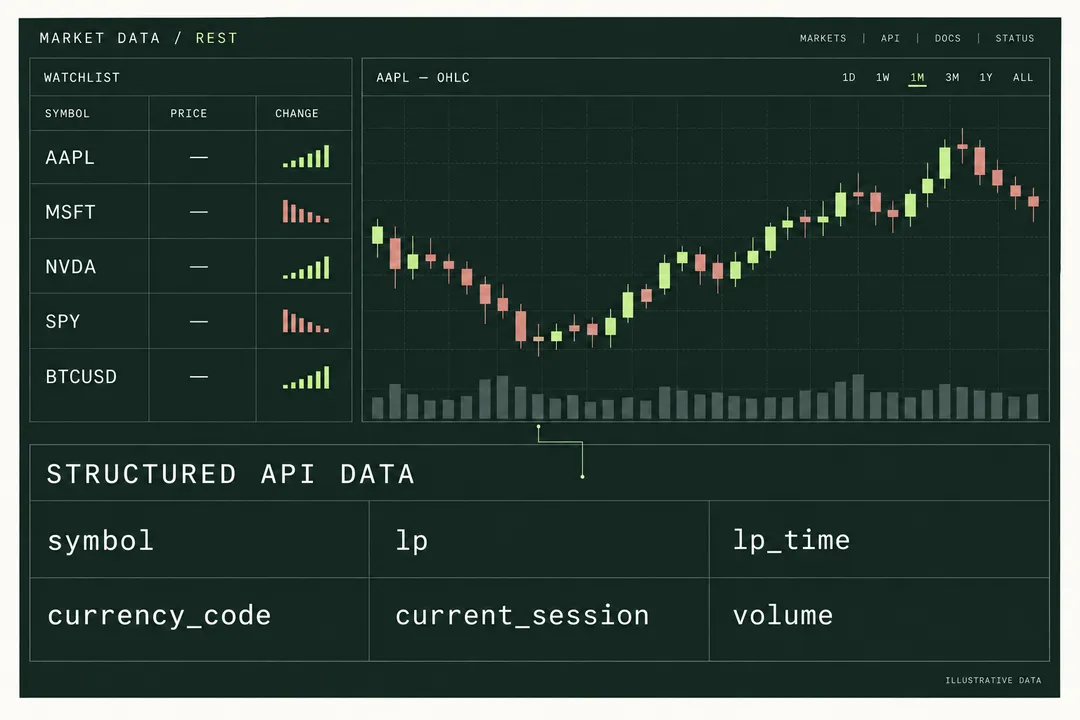
Quotes, history and updates in one market workspace.
Explore the workflow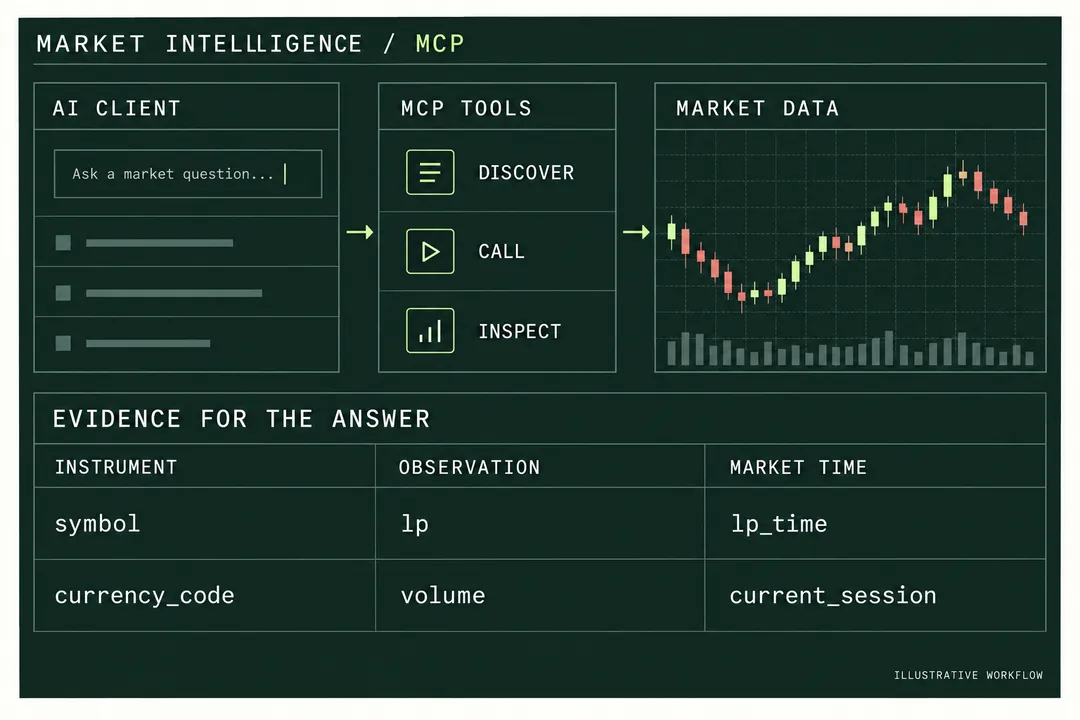
Give each answer a traceable instrument, value and market timestamp.
Explore the workflowBuild a Python quote request with environment credentials, timeout handling, nested response validation and UTC timestamps before storing market data.
Use native Node.js fetch for server-side market quotes, distinguish HTTP and API failures, and return a small validated response to your frontend.
Split a watchlist into batches of ten, preserve per-symbol failures and degraded results, and update quote rows without overwriting good data with zero.
One account for API keys, usage and subscriptions.
Continue to our shared account console.